Travel guide · 4 min read · July 23, 2026
Do you need Wi-Fi to install an eSIM?
Yes, you need an internet connection to install an eSIM, but it does not have to be Wi-Fi. Any working connection, including your home mobile data or a friend's hotspot, lets the profile download. The cleanest path is installing over Wi-Fi at home before you fly. Once the eSIM is installed and you connect abroad, it works on its own with no Wi-Fi required.
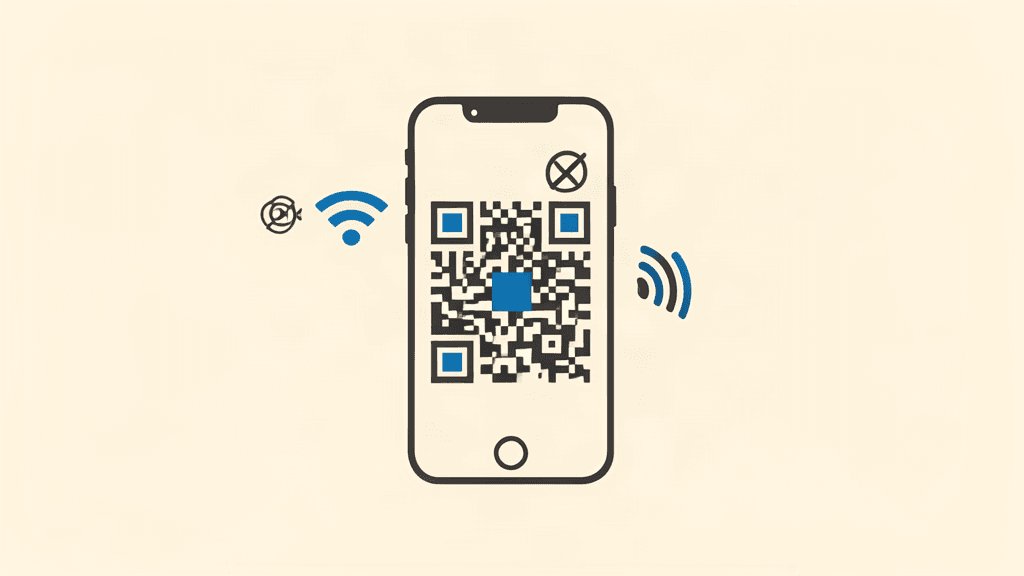
You need an internet connection to download an eSIM profile, but Wi-Fi specifically is not required. Any connection works, and installing before you fly is the smoothest option.
Why the profile needs a connection
An eSIM profile is a small file your phone downloads from the network operator's server. The download needs an active internet connection, whether that is Wi-Fi or mobile data.
Once the profile is on your phone, it works on its own using the mobile network. The connection is only needed for the initial download.
Wi-Fi is not mandatory
Your home mobile data, a friend's hotspot, or hotel Wi-Fi all work for the install. The phone just needs to reach the internet once.
Wi-Fi at home is the most reliable option because it is stable and free, which is why providers recommend it. But it is a convenience, not a requirement.
Install before you fly
Installing at home means the profile is ready and you do not hunt for a connection at the airport or abroad. The plan validity starts on first connection, not at install.
If you arrive without the profile installed, connect to airport or hotel Wi-Fi first, then scan the QR and enable the line.
What if I have no connection at all?
If you have zero internet and no eSIM installed, you cannot download the profile, so plan ahead. Keep the QR code or activation code accessible offline, such as a screenshot.
Screenshot your QR and activation code before departure. That way, even at a spot with slow Wi-Fi, you can enter the details manually if the scan fails.
Frequently asked questions
Can I install an eSIM using mobile data instead of Wi-Fi?
Yes. Any internet connection works for the download, including your home mobile data or a hotspot. Wi-Fi is recommended for reliability, not required.
Does an eSIM need Wi-Fi to work abroad?
No. Once installed, the eSIM connects to the mobile network on its own. Wi-Fi is only needed for the initial profile download.
What if I have no connection when I arrive?
Install before you fly, and screenshot your QR and activation code. That gives you a fallback for manual entry if you hit slow or no Wi-Fi.
Get data before you fly
Compare real prices across 190+ countries and install your eSIM in about two minutes.