Travel guide · 4 min read · July 26, 2026
How to set up an eSIM on Android before you travel
Setting up an eSIM on Android takes about two minutes over Wi-Fi: open Settings, go to Network and Internet, tap SIMs, then Add eSIM, and scan the QR code from your dizomo dashboard. The profile installs and stays off until you enable it abroad. Keep your home SIM for calls and texts and set the travel eSIM as the data line, with data roaming off on your home SIM.
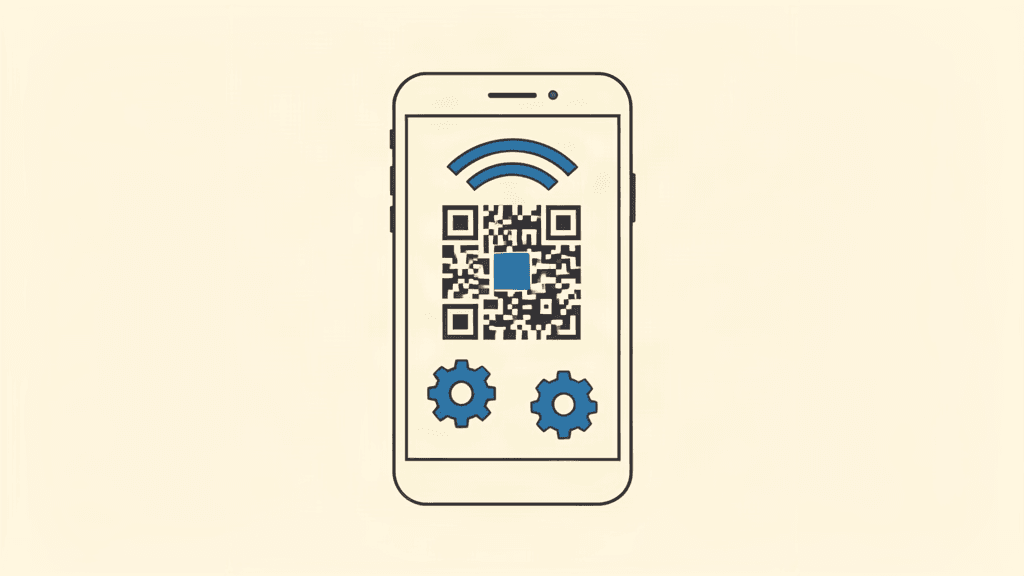
Android eSIM setup is a two-minute job over Wi-Fi before your flight. Scan the QR from your dashboard, label the line, and it stays dormant until you land.
Before you start
You need the QR code from your dizomo dashboard and a Wi-Fi connection. Install at home so the profile downloads cleanly, not at a crowded airport.
Your phone must be unlocked and eSIM-capable. Most modern Pixels, Samsungs, and mid-range Androids support eSIM; check the settings if you are unsure.
Scanning the QR code
Open Settings, tap Network and Internet, then SIMs, and choose Add eSIM. Select Scan QR code and point the camera at the code from your dizomo dashboard.
If the camera scan fails, use the manual entry option with the SM-DP+ address and activation code shown on the same dashboard screen.
Labeling and choosing default data
Name the new line Travel so it is easy to find, and when prompted, set your home SIM for calls and texts and the travel eSIM for mobile data.
Turn off data roaming on the home SIM so it cannot bill you abroad, and make sure mobile data uses the travel line.
On arrival: enable it
The eSIM stays dormant until you turn it on. When you land, go to Settings, Network and Internet, SIMs, and toggle the travel line on.
Set the travel eSIM as the default for mobile data and keep data roaming off on your home SIM. Maps, WhatsApp, and email then work exactly as at home.
Frequently asked questions
Can I install an Android eSIM before my flight?
Yes, and you should. Install over Wi-Fi at home, and the plan validity starts on first connection abroad, not at install.
What if the QR code does not scan?
Use the manual entry option with the SM-DP+ address and activation code from your dizomo dashboard.
Does every Android phone support eSIM?
No. Your phone must be unlocked and eSIM-capable. Most recent Pixels and Samsungs support it; check your settings before buying.
Get data before you fly
Compare real prices across 190+ countries and install your eSIM in about two minutes.